ESP8266 Pinout Reference: Which GPIO pins should you use?

This article is a guide for the ESP8266 GPIOs: pinout diagrams, their functions and how to use them. The ESP8266 12-E chip comes with 17 GPIO pins. Not all GPIOs …
 Sara Santos
This article is a guide for the ESP8266 GPIOs: pinout diagrams, their functions and how to use them. The ESP8266 12-E chip comes with 17 GPIO pins. Not all GPIOs …

This guide shows you how to use the BMP180 barometric sensor with the ESP32 to read pressure, temperature and estimate altitude. We’ll show you how to wire the sensor to …

This tutorial shows step-by-step how to power the ESP32 development board with solar panels, a 18650 lithium battery and the TP4056 battery charger module. The circuit we’ll build is also …

In this tutorial, you’re going to learn how to create a simple web server with the ESP32 or ESP8266 to display readings from the DHT11 or DHT22 temperature and humidity …

This tutorial shows how to use the DHT11 and DHT22 temperature and humidity sensors with the ESP32 using Arduino IDE. We’ll go through a quick introduction to these sensors, pinout, …

This tutorial shows how to use the DHT11 or DHT22 temperature and humidity sensors with the ESP32 and ESP8266 development boards using MicroPython firmware. DHT Module Usage There is a …

This tutorial shows how to control the ESP32 and ESP8266 GPIOs as digital inputs and digital outputs using MicroPython firmware. As an example, you’ll learn how to read the value …

This tutorial shows how to read analog values with the ESP32 and ESP8266 boards using MicroPython firmware. As an example, we’ll read the values from a potentiometer. Getting analog readings …

This tutorial shows how to generate PWM signals with the ESP32 and ESP8266 boards using MicroPython firmware. As an example, we’ll dim the brightness of an LED by changing the …

In this project we’ll show you how to remotely control an RGB LED strip with an ESP8266 or an ESP32 board using a web server with a color picker. We’ll …
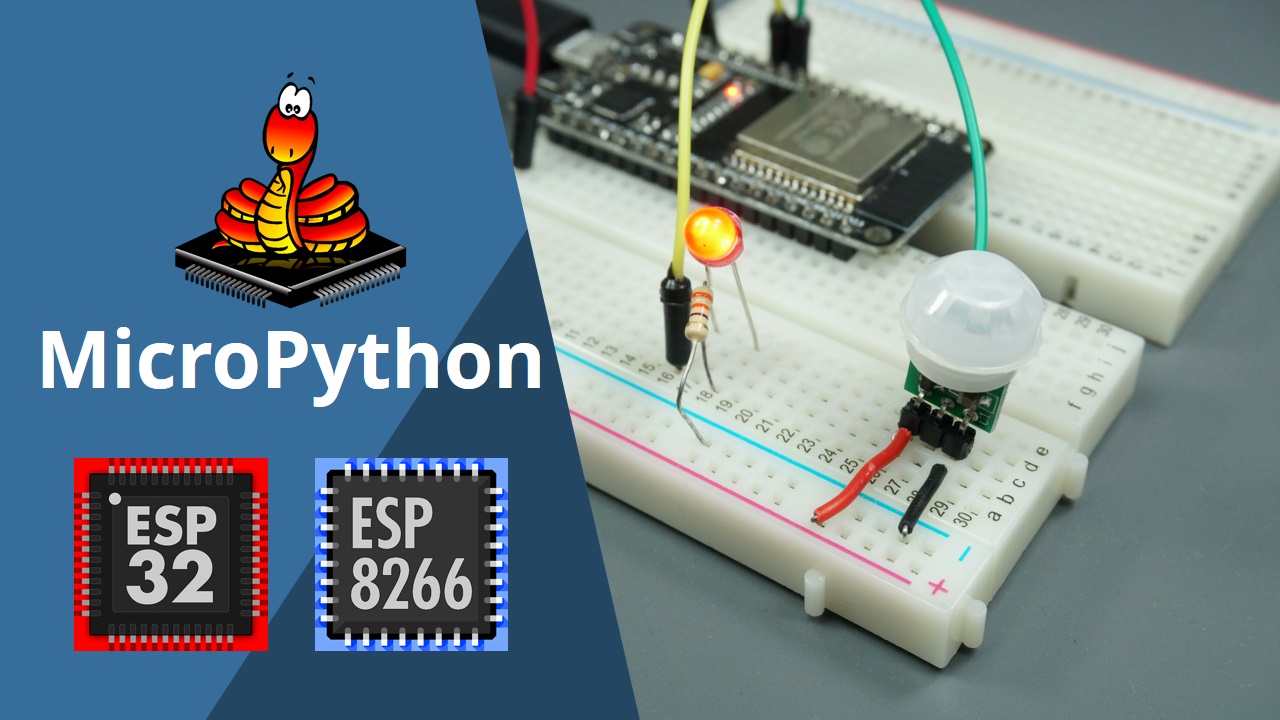
Learn how to configure and handle interrupts using MicroPython firmware with ESP32 and ESP8266 boards. You’ll also build a project example with a PIR Motion Sensor.

This tutorial shows how to control WS2812B addressable RGB LEDs (neopixels) with the ESP32 and ESP8266 using MicroPython.

Learn how to fix the: “Failed to connect to ESP32: Timed out waiting for packet header” error when trying to upload new code to your ESP32 board once for all.

In this project we’ll modify a commercial motion sensor (powered with mains voltage) with an ESP8266 to log data whenever motion is detected. The data will be sent to Node-RED using MQTT communication protocol.